01. Welcome and Rep Responsibilities
Purpose
Set expectations for what reps do in Odoo and what remains with office, warehouse, and accounts.
Video Script
Welcome to Rep Order Entry Fundamentals. This course is about capturing clean customer orders in Odoo. You will learn how to find a customer, check the account, find products, confirm pricing and stock, and submit an order. You are not expected to ship stock, raise invoices, or complete accounting steps.
Browser Walkthrough
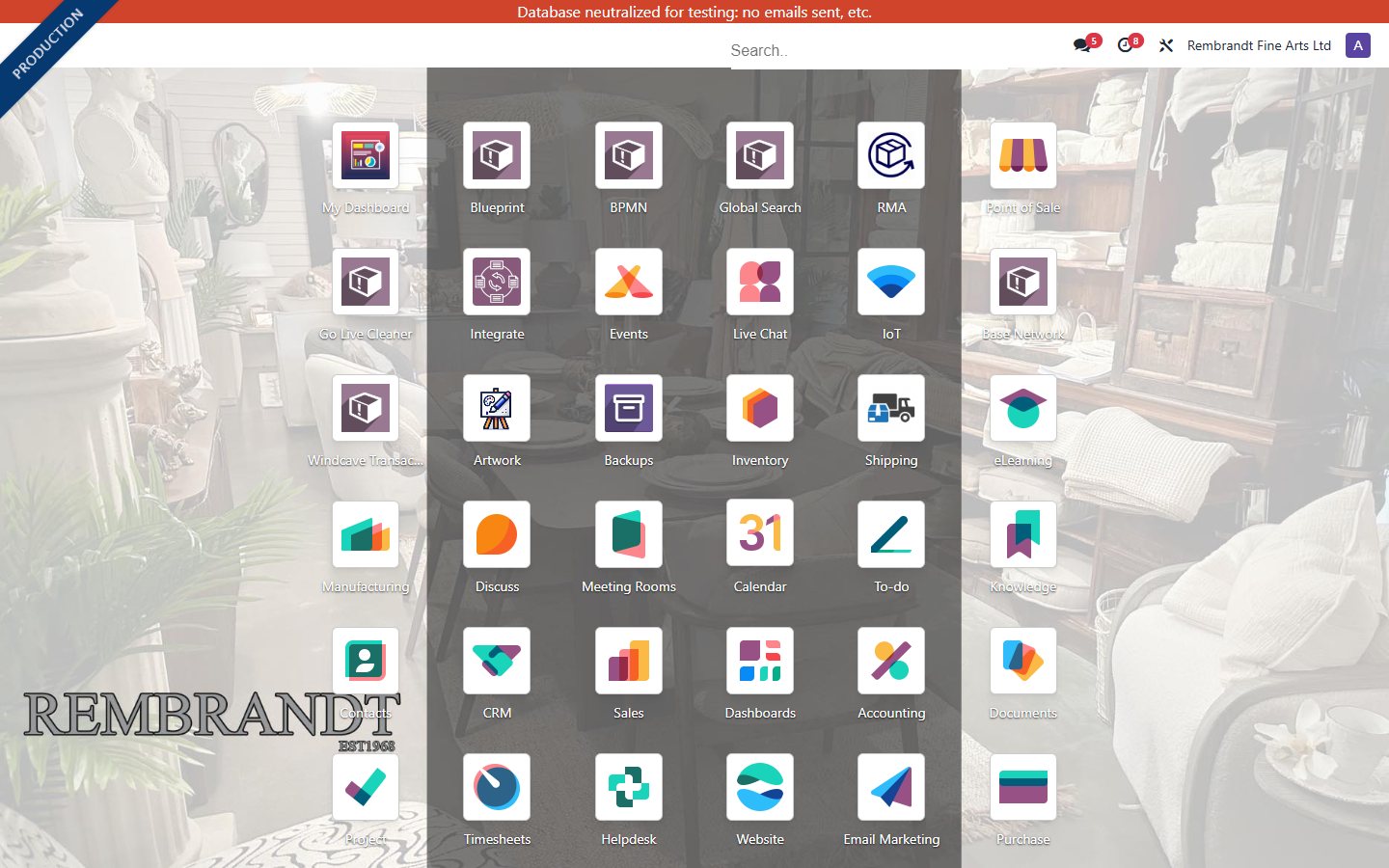
- Open Odoo and show the app menu.
- Point out the main apps reps may use: Sales, Contacts, Products, and optional Point of Sale.
- Explain that the rep's focus is accurate order capture.
- Show where help or escalation should be raised.
On-Screen Callouts
- Right customer. Right products. Right quantities. Right delivery details.
- Do not manually ship, invoice, or receive payment unless authorised.
- If the system does not behave as expected, record the issue and escalate.
Practice Exercise
- Log in to Odoo.
- Find the Sales app and Contacts app from the app menu.
- Explain in your own words what reps should and should not do.
Pass Criteria
- Rep can log in and identify the apps used for order capture.
- Rep understands that fulfilment, invoicing, and accounting are not their normal tasks.
Live Screen Walkthrough
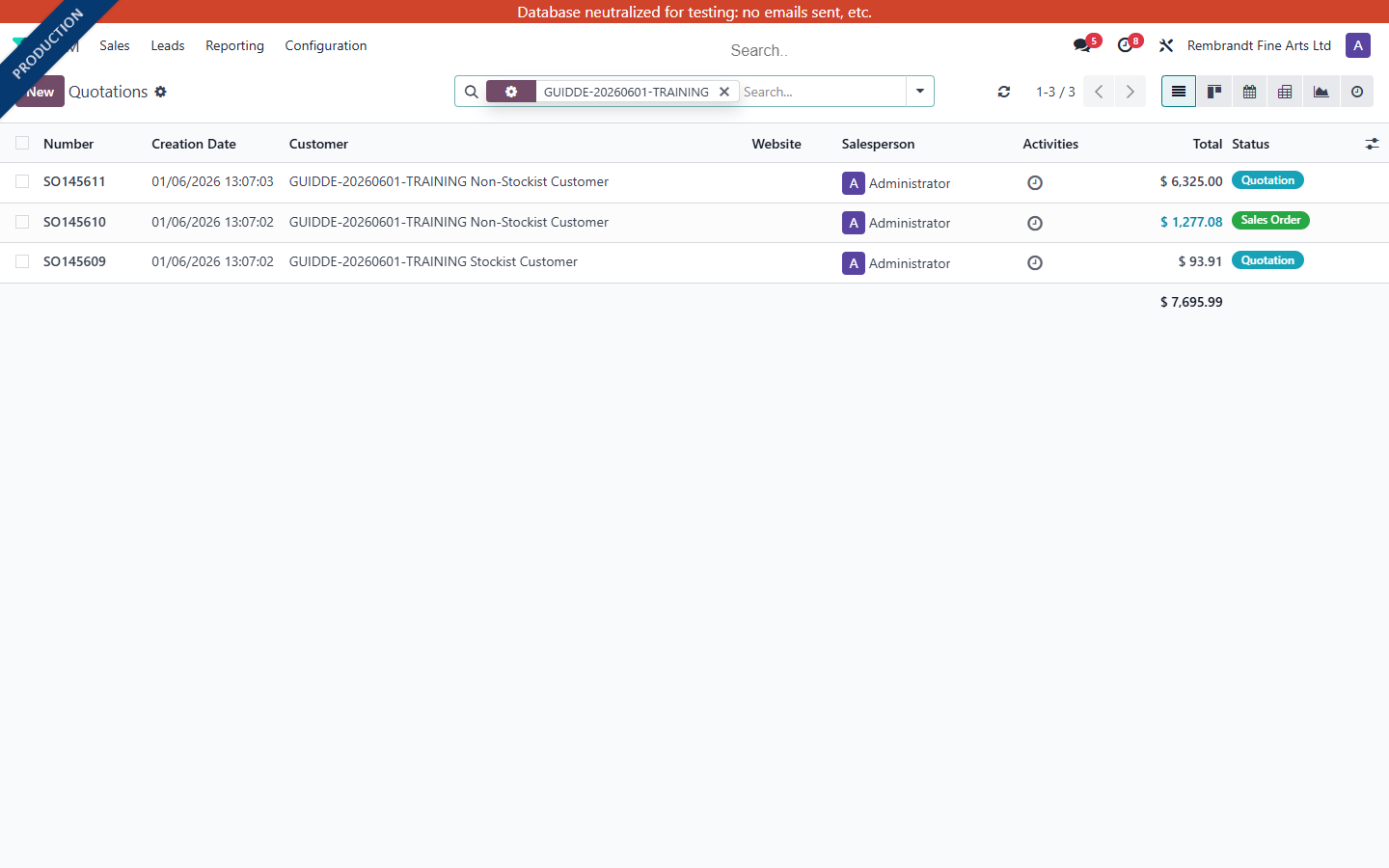
This section uses test-database records so trainees see the real workflow without exposing live production transactions.
The screenshots below were captured from real transactions created in the Rembrandt_Fine_Arts_Test database for this training video.
Set expectations for what reps do in Odoo and what remains with office, warehouse, and accounts.
There are no comments for now.
to be the first to leave a comment.